How Much RAM Do You Need for Windows 11 and AI Tools in 2026?
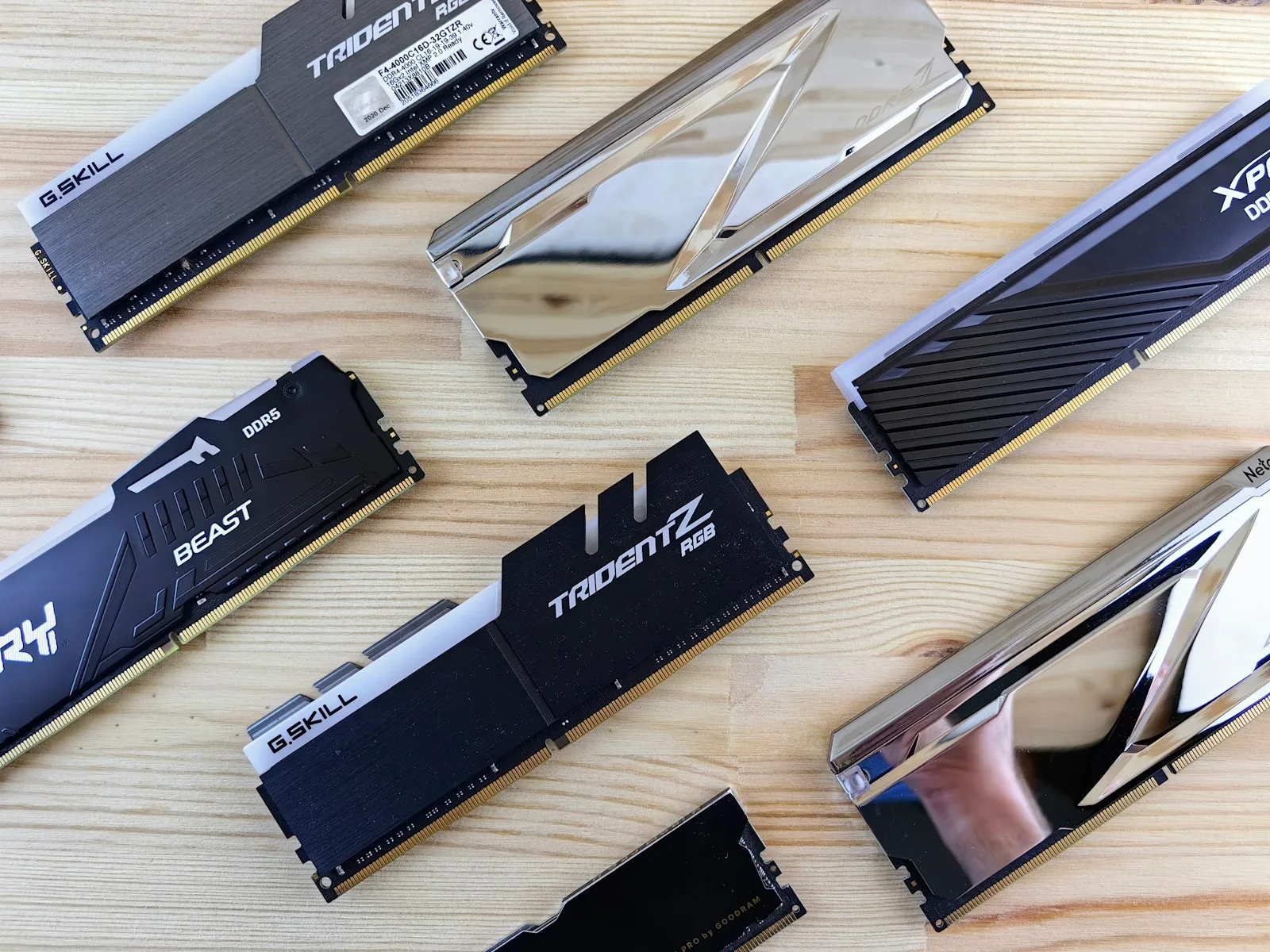
If you use Windows 11 for web browsing, office work and streaming, 8GB is the practical floor, but 16GB is the best choice for most people in 2026. Choose 32GB when you edit large photos or videos, keep many demanding apps open, develop software or experiment with local AI; 64GB and above is mainly for professional workloads and larger local models.
Microsoft lists 4GB as the minimum for Windows 11, but a minimum is only enough to start the operating system. It does not describe the amount of memory that will keep a modern computer responsive during real work.
RAM recommendations at a glance
| What you do | Sensible RAM target |
|---|---|
| Basic browsing, email and documents | 8GB |
| Everyday work, study and heavy browser use | 16GB |
| Photo editing, development and light local AI | 32GB |
| 4K video, virtual machines and larger local AI workloads | 64GB+ |
These are buying recommendations rather than strict compatibility rules. Your processor, storage speed, graphics hardware and the apps you use also affect performance.
Is 4GB of RAM enough for Windows 11?
Windows 11 officially requires at least 4GB of RAM. In practice, a 4GB system has little room left after Windows, security software and background services load. Opening several browser tabs or joining a video call can force the computer to move data between RAM and storage, causing pauses and sluggish switching.
If you already own a 4GB computer, reducing startup apps and keeping adequate free storage can help. Our guide to freeing up storage on Windows 11 without deleting personal files explains the safest places to start. For a new computer, however, 4GB is difficult to recommend.
Is 8GB enough in 2026?
Eight gigabytes works for focused use: a modest number of browser tabs, Microsoft Office or similar apps, streaming and light photo editing. It is a reasonable budget choice when the memory can be upgraded later.
The limitation appears when tasks overlap. A browser with many tabs, a meeting app, cloud storage sync and a large spreadsheet can use most of the available memory. A system with soldered 8GB RAM also offers no upgrade path, so check the specification carefully before buying.
Why 16GB is the best choice for most people
Sixteen gigabytes gives Windows and everyday applications enough breathing room without pushing the price unnecessarily high. It suits students, remote workers, small-business users, casual gamers and people who frequently multitask.
It is also a sensible baseline for AI-assisted work. Many of the best free AI tools that work without an account run in a browser or process requests in the cloud, so they do not need enormous local memory. You still benefit from 16GB because the browser, documents and other apps remain active while the AI service is open.
When 32GB makes sense
Choose 32GB if one or more of these descriptions fit your workload:
- You edit high-resolution photos or longer video projects.
- You run development environments, containers or virtual machines.
- You keep hundreds of browser tabs or several large applications open.
- You work with large datasets.
- You run smaller generative AI models locally.
- You want to keep the computer for several years and the memory cannot be upgraded.
Local AI is different from using an online chatbot. A local model must fit its working data into system memory, graphics memory or a combination of both. Model size, quantization, context length and software architecture all change the requirement, so “AI PC” alone does not tell you how much RAM you need. If the terminology is unfamiliar, start with our plain-English guide to what artificial intelligence is and how it works.
Who actually needs 64GB or more?
Sixty-four gigabytes is useful for professional 4K or 8K video timelines, complex 3D scenes, multiple virtual machines, scientific work and larger local AI experiments. It can also help developers who run several memory-heavy services simultaneously.
Buying 64GB “just in case” rarely makes a basic computer faster. If your normal workload uses 10GB, adding memory beyond 16GB will not create the same improvement as upgrading a slow processor or storage drive.
How to check your current RAM use
On Windows 11:
- Press Ctrl + Shift + Esc to open Task Manager.
- Select Performance.
- Choose Memory.
- Use the computer normally and watch the percentage over time.
A brief spike is not automatically a problem. Repeated slowdowns combined with memory staying near capacity are a better signal. Also check whether your computer has an empty memory slot and the maximum capacity supported by the manufacturer.
Upgradeable RAM versus soldered memory
Many thin laptops use memory soldered to the motherboard. It can be fast and power-efficient, but it cannot be replaced. If you are choosing between 8GB and 16GB on a non-upgradeable model, 16GB usually provides the safer useful life.
Desktop PCs and some larger laptops use removable modules. Match the correct memory generation and supported speed, and consult the system manual before buying. Two compatible modules can also provide better memory bandwidth on platforms that support a dual-channel configuration.
Does an NPU replace the need for RAM?
No. A neural processing unit accelerates certain AI calculations, while RAM holds the operating system, applications and active data. They solve different problems. Microsoft currently requires 16GB of RAM for specific Copilot+ experiences such as Recall, alongside other hardware requirements, but that does not mean every AI website needs 16GB.
The practical buying decision
For a new Windows 11 computer in 2026, buy 16GB for general use, 32GB for demanding creative, development or local-AI work, and 64GB only when a known workload requires it. Choose 8GB only for a tight budget and preferably when an upgrade is possible.
Before ordering, open the apps you use on your current computer and inspect real memory use. That five-minute check is a better guide than paying for capacity your workflow may never touch.