USB-C Charger Wattage Explained: How Many Watts Do You Really Need?
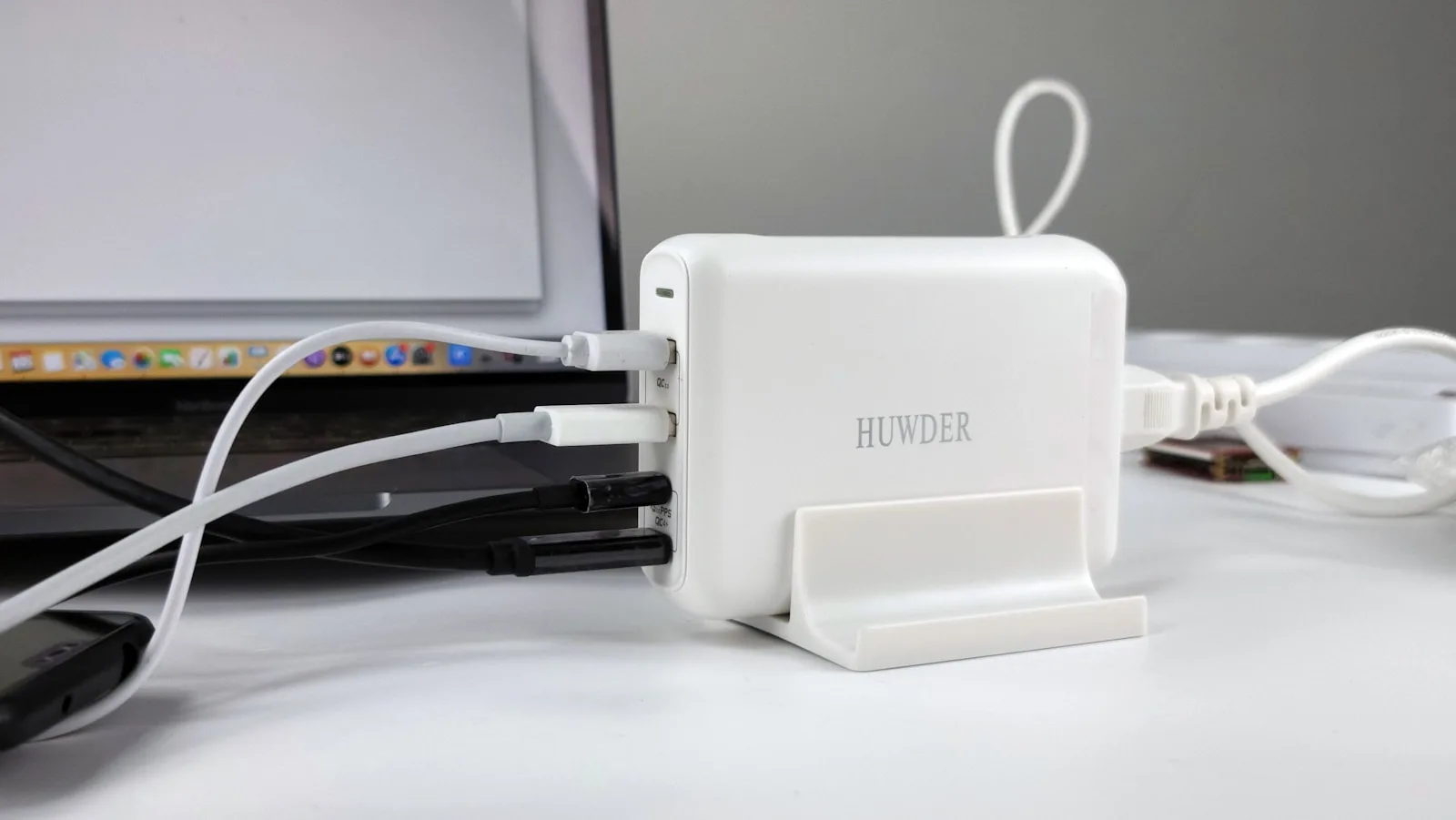
The right USB-C charger should match or exceed the maximum wattage your device accepts and support the charging protocol it uses. A higher-rated quality charger does not normally force excessive power into a phone or laptop; compatible devices and USB Power Delivery negotiate what is supplied.
For many phones, 20W to 30W is sufficient. Tablets often benefit from 30W to 45W, ultraportable laptops commonly use 45W to 70W, and performance laptops may require 100W or more. The exact requirement always comes from the device manufacturer.
Common USB-C wattage ranges
| Device type | Typical useful range |
|---|---|
| Earbuds and small accessories | 5W–15W |
| Smartphones | 20W–45W |
| Tablets and handheld consoles | 30W–65W |
| Thin-and-light laptops | 45W–70W |
| Larger or performance laptops | 100W–240W |
These ranges are a starting point, not a promise of compatibility. Some manufacturers use proprietary fast-charging modes that require a specific adapter or cable.
What charger wattage means
Watts describe power. A charger reaches a particular wattage through a combination of voltage and current. With a compatible USB-C Power Delivery connection, the charger and device communicate before using a higher power level.
USB-IF says the current USB Power Delivery specification can support levels up to 240W, with fixed voltages including 28V, 36V and 48V for the highest tiers. That does not mean every USB-C port, charger or cable supports 240W.
A 100W charger connected to a phone that requests 25W should supply the negotiated level rather than continuously delivering 100W. The important conditions are that the charger is properly designed, the protocol is compatible and the cable can carry the required power.
How to find your device’s requirement
Use this order:
- Read the power information on the original adapter.
- Check the official technical specifications or support page.
- Look for wording such as “USB Power Delivery,” “PD,” or a named proprietary charging standard.
- Note whether the quoted wattage is a maximum, a recommended adapter or merely the wattage included in the box.
Do not estimate from the USB-C connector alone. USB-C describes a connector shape; supported charging speed and data features vary.
Can you use a higher-wattage charger?
In most standards-compliant situations, yes. A 65W USB-C PD charger can power a phone that accepts 20W and a laptop that accepts 65W. The phone requests only a compatible profile.
A higher rating can be useful when one charger serves several devices. It does not guarantee faster charging, however. A phone limited to 25W will not become a 65W-charging phone simply because the adapter has a larger number on it.
The safest approach is to buy from a reputable manufacturer, look for appropriate safety certifications in your market and avoid adapters with unrealistic claims or missing electrical labels.
Why the cable matters as much as the charger
The cable can limit the result. USB-IF’s current labeling program distinguishes USB-C cables with 60W and 240W power capability. A cable designed for lower power may prevent a laptop from receiving the charger’s full output.
Data speed is separate from charging power. One cable may charge at high wattage while carrying data slowly; another may support fast data and video. Check both specifications if you connect docks, monitors or external drives.
Replace cables that have bent plugs, exposed conductors, unusual heat or an unreliable connection. A damaged high-power cable is not worth continuing to use.
Single-port versus multi-port chargers
A multi-port charger’s headline number is usually the total available output. For example, a 100W adapter may deliver close to 100W from one port when used alone, but divide that capacity when a phone and laptop are connected together.
Read the port allocation table before buying. Ask:
- What can the primary USB-C port deliver by itself?
- How is power divided with two or three devices connected?
- Does disconnecting one device briefly interrupt charging on the others?
- Do all USB-C ports support the same protocols?
If a laptop needs 65W during heavy use, choose a multi-port adapter that can still provide that amount while your phone is connected.
Is a GaN charger better?
Gallium nitride, or GaN, allows many chargers to be smaller and more efficient than older designs at comparable power levels. It is useful for travel and multi-device charging, but “GaN” is not a complete quality guarantee.
Port layout, thermal design, protocol support, warranty and certification remain important. A well-engineered conventional charger is preferable to a poorly documented GaN model.
Why a laptop says “slow charger”
A laptop can display a slow-charger warning when:
- The adapter’s maximum output is below the laptop’s requirement.
- The chosen port delivers less power than another port.
- The cable is limited or damaged.
- The charger and laptop do not share a suitable Power Delivery profile.
- A multi-port adapter is splitting its capacity.
The computer may still charge while asleep but lose battery during demanding use. If the machine itself also feels slow when you multitask, charger wattage is not the only specification to examine; our guide to how much RAM Windows 11 and AI tools need covers the memory side of the buying decision.
A simple buying formula
Add the highest power your most demanding device needs to the realistic power required by any devices you will charge simultaneously. Then verify the per-port allocation and buy compatible cables.
For one phone, the manufacturer’s recommended wattage is enough. For a phone plus an ultraportable laptop, a reputable 65W to 100W multi-port charger is often the useful zone. For a performance laptop, use its official recommendation and confirm whether USB-C can provide full power at all.
Before buying: check the exact device model, accepted charging standard, per-port output and cable rating. Those four details matter more than the largest number printed on the box.