AllYourTech
Fetching stories
20 results for “Troubleshooting”
USB headphones or an audio interface stopped working after KB5124008? Diagnose Code 10, try stereo mode and use safe temporary fixes while Microsoft prepares an update.
A practical pre-update checklist for installing iOS 27 safely, including compatibility, backups, storage, passwords, app updates and recovery steps.
Google’s new Gemini app brings Alt + Space access to Windows 10 and 11. Here’s what it does well, what it cannot do yet, and who should install it.
Google Pics adds prompt-based image generation, object editing and Workspace collaboration. See where it excels, its current limits and whether it can replace Canva.
Use Google Trends’ Gemini suggestions to discover content ideas, compare real search interest, identify rising queries, and validate the best angle before publishing.
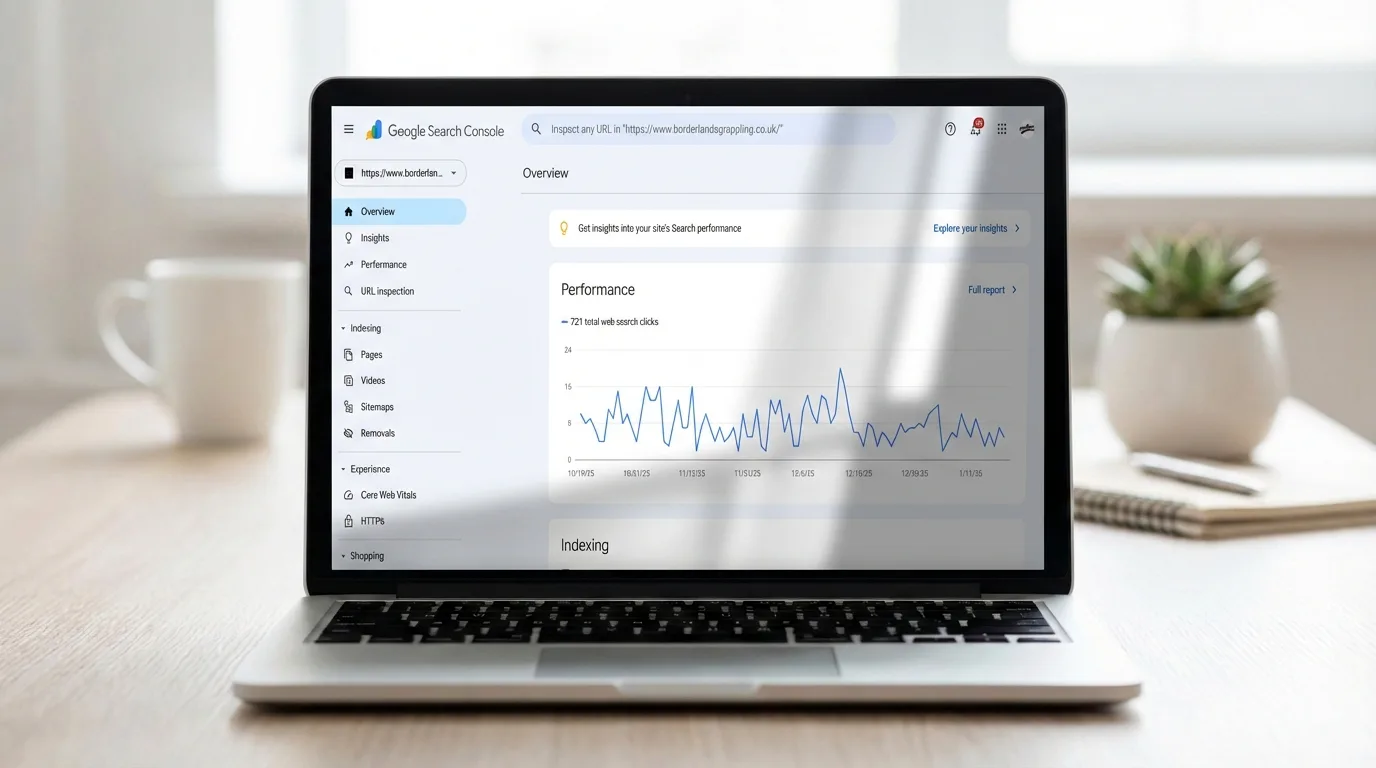
A practical guide to diagnosing redirect loops, long chains and broken destinations after a site migration, then validating the fix in Google Search Console.
Set up XChat encryption, verify safety numbers, protect your PIN, use disappearing messages, and avoid losing encrypted history when changing devices.
Use YouTube Live Practice Mode to rehearse a mobile livestream privately, check audio and video, and go live only when your setup is ready.
Learn how synced and device-bound passkeys behave after a phone is lost, how to revoke them safely, and how to avoid permanent account lockout.
Delete Android’s advertising ID, block iPhone app tracking, and limit precise location without breaking the mobile features you need.
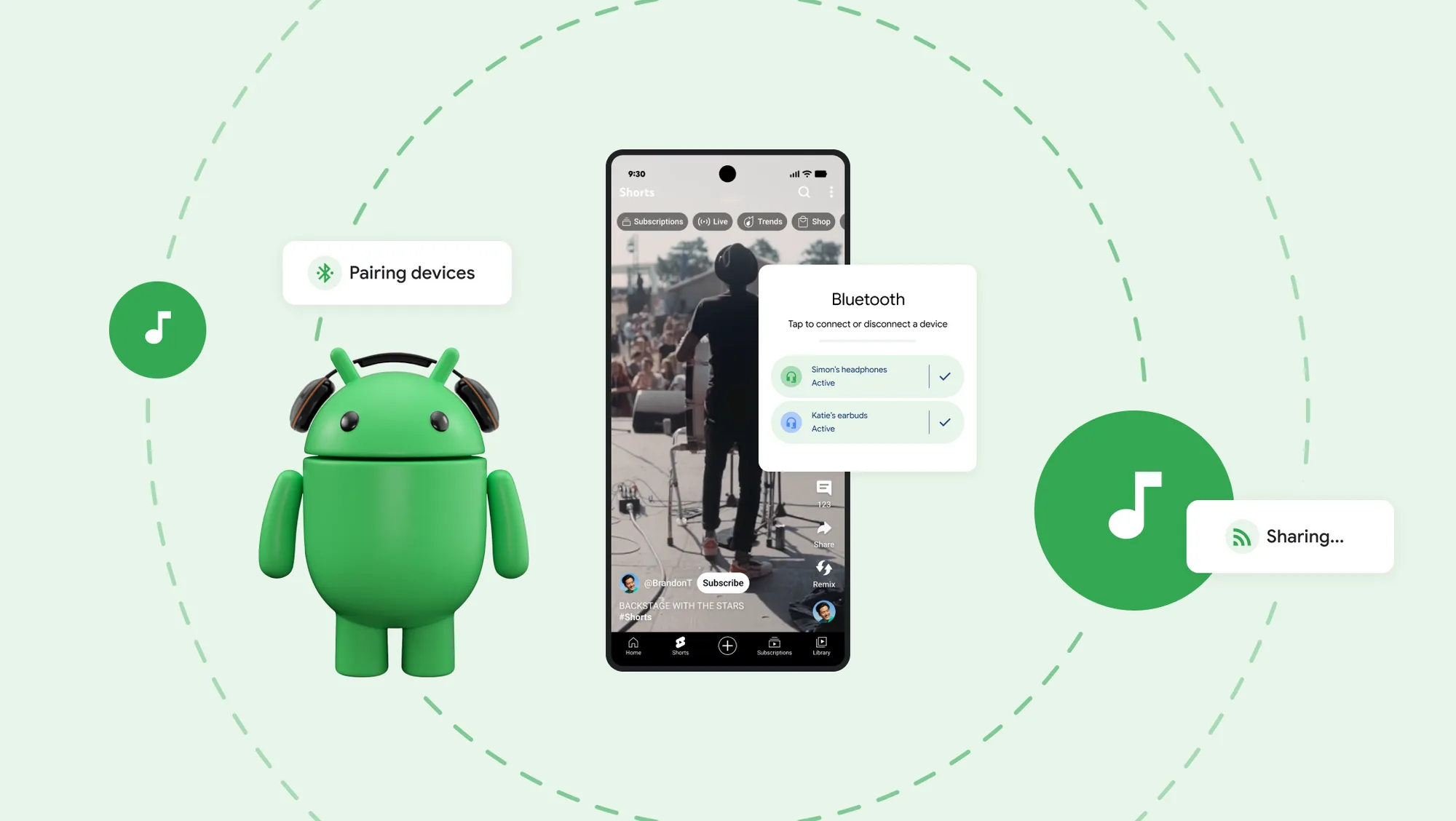
Learn how to share Galaxy phone audio with multiple earbuds using Auracast, including One UI 8.5 steps, compatibility checks and troubleshooting.
Restore a missing Wi-Fi option in Windows 11 by checking the adapter, service and driver, resetting the network safely, and identifying hardware faults.
Install ChromeOS Flex on an old laptop safely: check compatibility, build the official USB, test hardware, back up data, and avoid common boot errors.
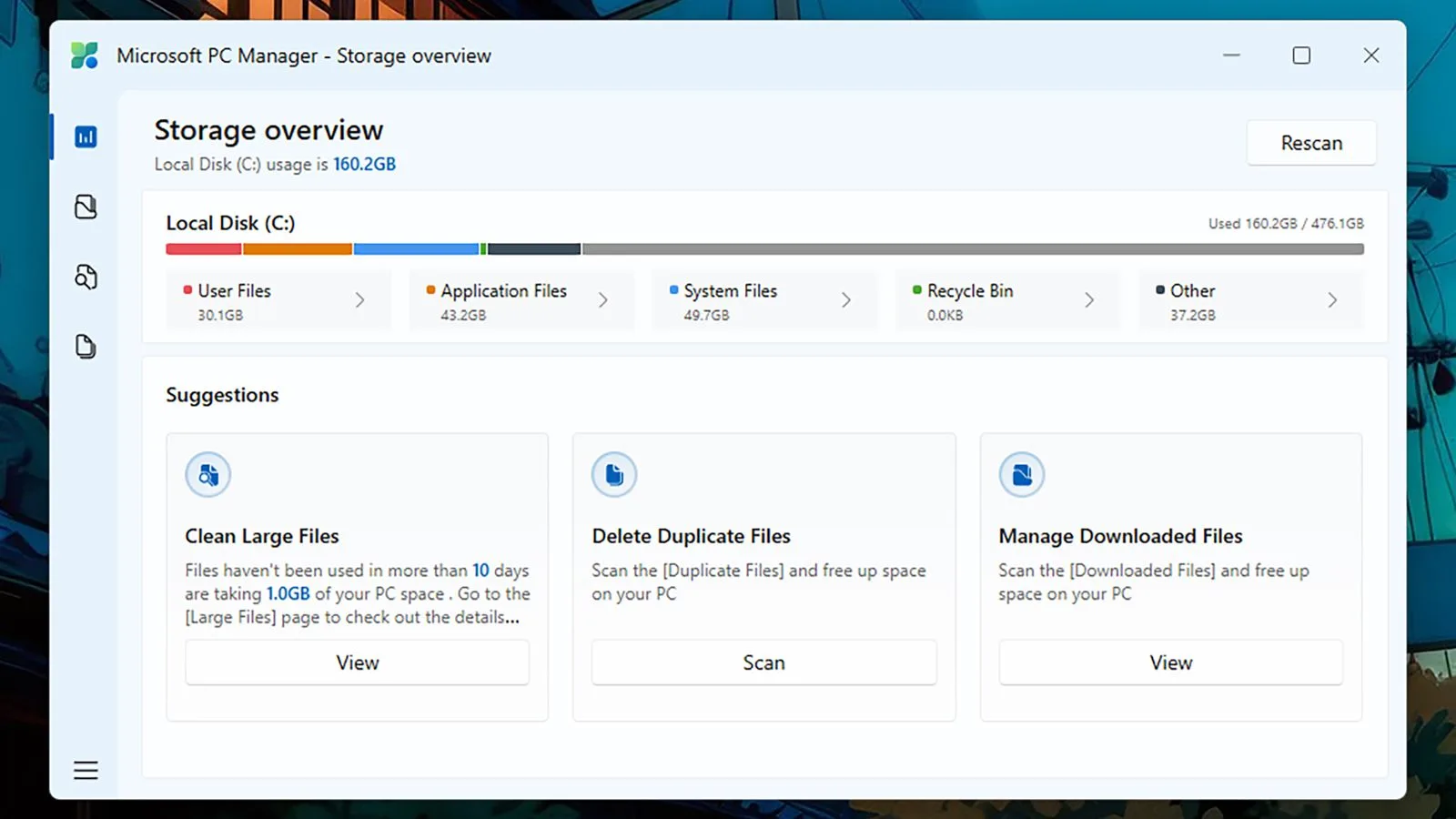
Microsoft PC Manager is a legitimate free utility, but most features duplicate Windows tools. See what it does well, its limits, privacy details, and who should install it.
Create a Microsoft 365 shared mailbox without a separate license, then configure access, sending permissions, Outlook, security and Sent Items.
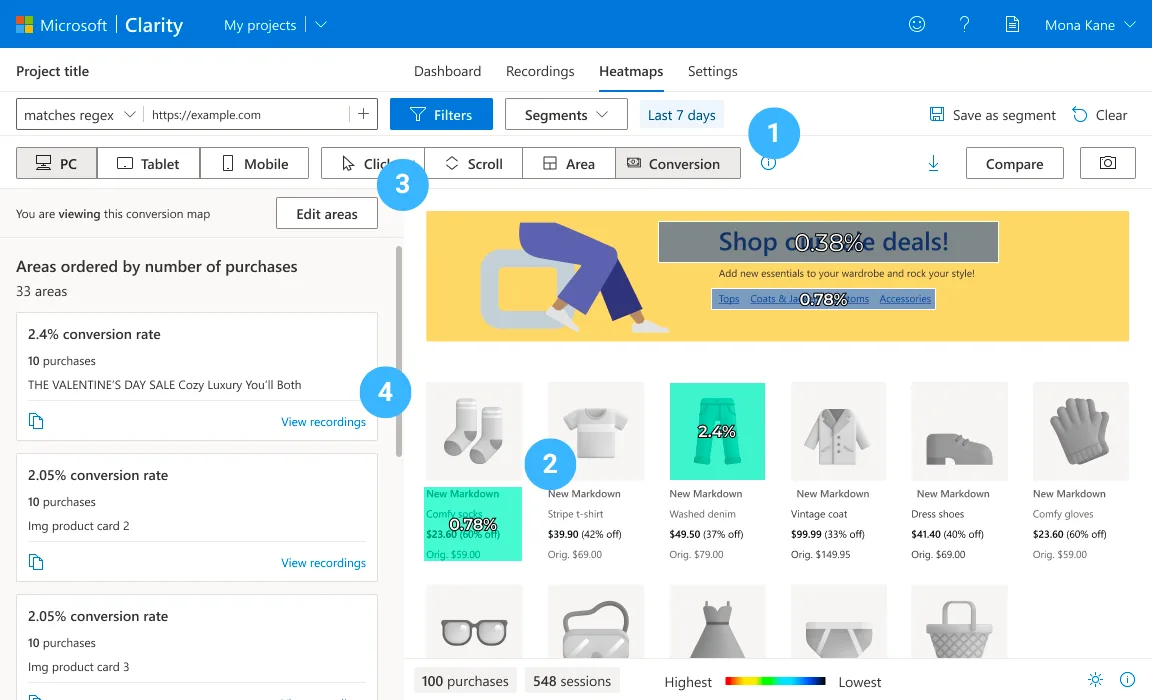
Install Microsoft Clarity through Google Tag Manager, verify the collect request, connect GA4 and pass user consent correctly.
Diagnose and fix Crawled – currently not indexed using URL Inspection, canonical checks, content improvements, internal links and a clean sitemap.
Create an offline Telegram archive with messages, photos, videos and files using Telegram Desktop—and choose the right HTML or JSON format.
Reset TikTok’s For You feed without losing your account, followers, posts or messages—and retrain recommendations with official controls.
Move Google Authenticator safely using account sync or QR transfer, test every code, and recover access if your old phone is unavailable.